
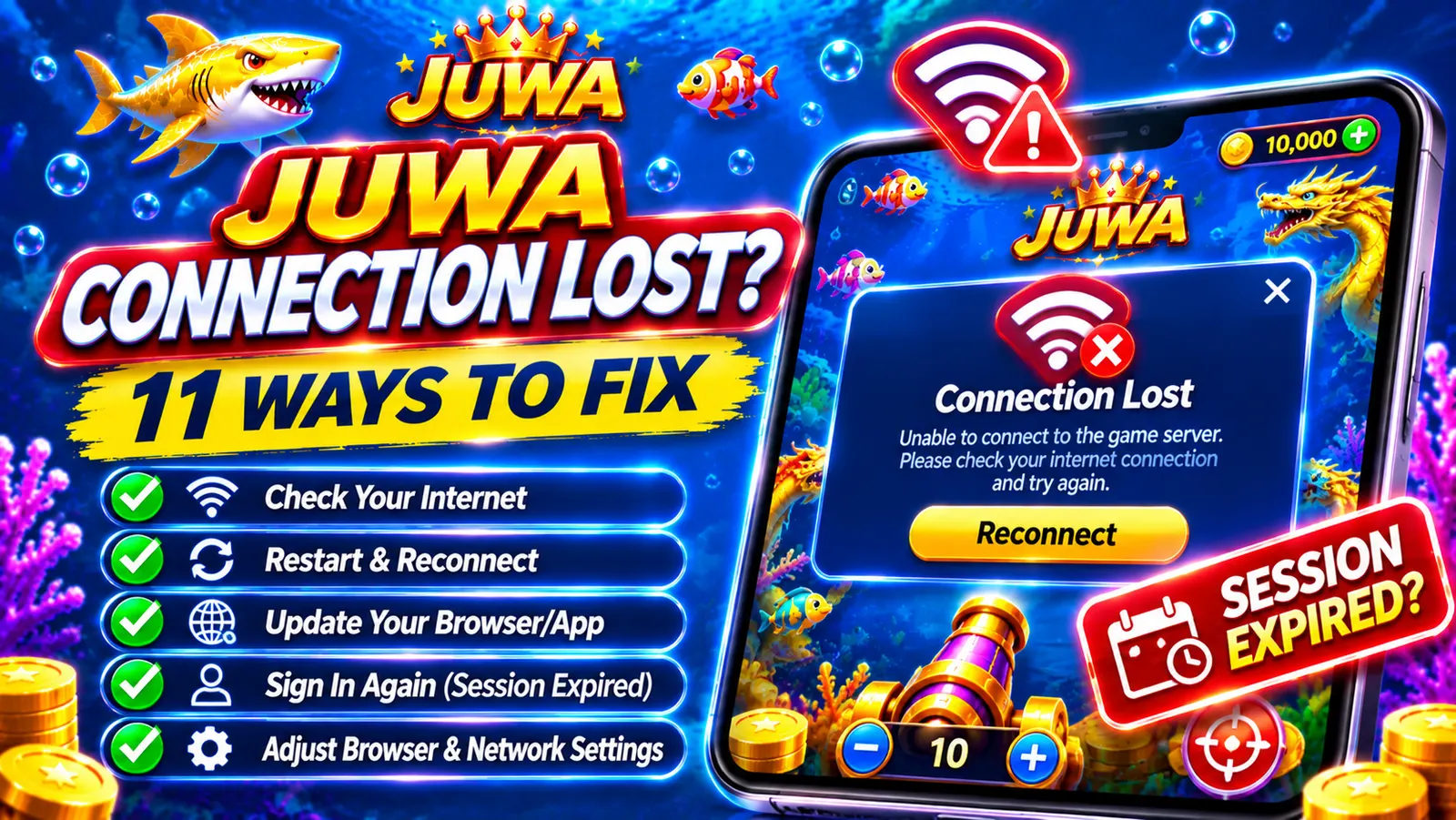
Does your Juwa game keep disconnecting, showing a connection lost message, or unexpectedly returning you to the login screen? Connection interruptions can make it difficult to access fish-shooting games, load your account, or continue an active session.
You might encounter a message such as "Connection Lost," "Session Expired," "Network Error," or "Reconnecting."
These are examples of common online application error messages, not a verified list of messages displayed by every Juwa game.
Connection problems may occur because of unstable Wi-Fi, mobile network changes, expired login sessions, browser issues, or temporary service interruptions.
In this guide, we'll explain 11 ways to troubleshoot Juwa connection lost and session expired problems, how to identify whether the issue comes from your device or the service, and what to do if a disconnect happens during an active game.
Quick Answer: How Do You Fix Juwa Connection Lost?
If your Juwa game loses connection, try these steps:
Check your internet connection.
Switch between Wi-Fi and mobile data.
Restart your router if necessary.
Close and reopen the affected game.
Sign in again if your session expired.
Update your browser or supported application.
Check whether your device is switching networks.
Review browser cookies and session settings.
Disable conflicting extensions or network filters.
Check for service interruptions.
Contact official support if the problem continues.
Important: If you were completing a recharge, cashout, or another account transaction when the disconnect happened, verify its status before repeating the action.
1. What Does "Connection Lost" Mean in a Juwa Game?
A connection lost message generally means the game or website cannot maintain communication with the service it needs.
Online games may exchange data with remote servers to load account information, update the interface, or process gameplay events.
If that communication is interrupted, the game may pause, attempt to reconnect, or return to another screen.
Possible Causes
Common causes of online game disconnections include:
Weak Wi-Fi signals
Mobile network interruptions
Internet service provider problems
Temporary server interruptions
Browser connectivity issues
Device network changes
Expired authentication sessions
Conflicting browser extensions
A connection error does not automatically mean your account has been suspended or your balance has been lost.
2. Check Whether Your Internet Is Actually Working
Start by testing the connection on your device.
A phone or computer can display the Wi-Fi symbol while still having limited or no internet access.
How to Test
Open another website.
Try loading a page you haven't recently visited.
Check whether a different online application works.
Compare the results with your Juwa login or game page.
If other websites also fail to load, the problem may involve your internet connection.
If other services work normally, investigate the browser, game, or gaming service.
What If Your Internet Works but Juwa Doesn't?
A working internet connection doesn't guarantee that every online service is available.
The issue might involve the specific website, game server, account session, or browser.
Continue with the troubleshooting steps below.
3. Switch Between Wi-Fi and Mobile Data
If you use Juwa through a mobile device, switching networks can help identify whether your connection is causing the problem.
On Android
Open your device's network settings and check whether Wi-Fi and mobile data are available.
On iPhone
Open Settings and review your Wi-Fi and Cellular Data connections.
If you switch networks, first make sure any ongoing account transaction has completed or that its status can be verified.
Why Does Network Switching Help?
A particular connection may experience interruptions even when another connection works normally.
However, changing between Wi-Fi and mobile data can also interrupt an existing authenticated session.
Use one stable network during a session whenever possible.
4. Restart Your Wi-Fi Router
If several devices experience connectivity problems, your router or internet service may be involved.
Basic Router Troubleshooting
Check whether the router has power.
Confirm that other devices can connect.
Restart the router according to its manufacturer's instructions.
Allow the internet connection to reestablish.
Test a normal website before reopening the game.
If the router continues losing its internet connection, contact your internet service provider.
Restarting the router cannot resolve a problem occurring only on the gaming service's servers.
5. Close and Reopen the Juwa Game
Temporary application or browser problems can sometimes interrupt connectivity.
If the game is unresponsive or repeatedly attempts to reconnect, close the affected application and reopen it.
Android Users
Open the recent apps screen, close the affected game or browser, and launch it again.
iPhone Users
Open the App Switcher and close the affected application before reopening it.
PC and Laptop Users
Close the affected browser tab or restart the browser.
Before restarting, make sure you have any information needed to recover your account session.
Important: Restarting an application does not guarantee that an interrupted gameplay event will resume from the same point.
6. Fix a Juwa Session Expired Message
A session expired message generally indicates that your previous authenticated session is no longer valid.
Many websites use session information to recognize signed-in users.
Sessions may expire after inactivity, security changes, or other events determined by the provider.
How to Troubleshoot
Return to the verified login website.
Check whether you are still signed in.
If necessary, sign out.
Close the affected browser tab.
Reopen the website.
Sign in using your correct credentials.
Check whether your account loads normally.
Juwadayvip.com uses a shared account flow for its listed gaming platforms.
Its public website currently directs Login and Sign Up actions to juwaday.com.
Always follow the verified login destination published on the official site.
Does Session Expired Mean Your Account Was Deleted?
No. A session expiration does not, by itself, establish that an account was deleted, suspended, or permanently restricted.
If you cannot sign in again, contact the official account support service.
7. Update Your Browser or Application
Outdated browsers and applications can sometimes experience compatibility or connectivity problems.
If you access the gaming lobby through a browser, verify that the browser is supported and up to date.
Recommended Checks
Install available browser updates.
Restart the browser after updating.
Check for operating-system updates.
Review any browser error messages.
Test a different supported browser.
Juwadayvip.com states that its shared lobby is accessible through browsers on phones, tablets, and computers.
Individual game compatibility may vary.
Avoid downloading unofficial apps or modified installation files to fix a connection problem.
8. Check Whether Your Device Keeps Switching Networks
Some devices automatically switch between available networks.
For example, a phone may disconnect from weak Wi-Fi and begin using mobile data.
This can interrupt certain active online sessions.
What to Check
Whether the Wi-Fi signal is stable
Whether mobile data is automatically taking over
Whether the device is connecting to different Wi-Fi networks
Whether power-saving settings are affecting connectivity
If the problem happens only when moving between locations, an unstable or changing connection may be involved.
Use a reliable network and check whether the issue improves.
9. Review Browser Cookies and Login Sessions
Browsers use cookies and other local data to maintain website sessions.
If session data is unavailable, corrupted, or blocked, a website may repeatedly request authentication.
Troubleshooting Steps
Confirm you're using the correct login website.
Check whether the browser allows the cookies required by that website.
Try reopening the site in a normal browser window.
Test a different supported browser.
If necessary, clear the affected site's data.
Warning: Clearing cookies or website storage can sign you out and remove saved website preferences.
Make sure you can access your account before deleting site data.
If the service uses multiple domains for authentication, its required cookie and redirect behavior may differ from an ordinary single-domain website.
10. Disable Conflicting Extensions or Network Filters
Some browser extensions, content blockers, VPNs, or network filtering tools can interfere with website communication.
If you use such software, investigate whether it is affecting the gaming website.
How to Check Safely
Test the website using a clean browser profile.
Review browser error messages.
Disable only one nonessential extension at a time.
Restore important security protections after testing.
Check whether your connection remains stable.
Do not disable essential security software permanently.
Do not use VPNs or network tools to bypass geographic restrictions, account controls, or applicable gaming regulations.
11. Check for Server Problems and Contact Support
If your internet connection works normally and the problem occurs across multiple devices, the issue may involve the gaming service.
Possible signs include:
Repeated timeouts on different networks
The same error appearing across browsers
A website maintenance notice
Multiple users independently reporting similar problems
Official support confirming an interruption
These observations may indicate a service-side problem, but they do not prove one.
What to Do
Check the official website for announcements.
If the issue continues, contact the support channel linked from Juwadayvip.com.
The website lists support for account, recharge, cashout, and rules-related questions.
Information to Provide
When reporting a connection problem, include:
Gaming platform name
Account username
Device type
Browser or application used
Approximate time of disconnection
Exact error message
Whether other websites are working
Steps you've already tried
Do not share your account password or authentication codes.
Juwa Connection Lost vs Session Expired vs Game Freezing
These problems can look similar but may have different causes.
ProblemWhat it generally meansFirst troubleshooting stepConnection lostCommunication was interruptedCheck network connectivitySession expiredAuthentication is no longer validSign in againReconnectingService is attempting to restore communicationCheck connection stabilityGame freezingInterface stops respondingRestart the affected gameLogin failedAccount authentication was unsuccessfulVerify login detailsNetwork timeoutA request did not finish in timeTest internet and service availabilityGame not loadingRequired resources are not loadingCheck browser and connection
These descriptions are general technical explanations rather than verified Juwa error-code definitions.
What Happens If Juwa Disconnects During a Fish Game?
A disconnect during gameplay may leave you uncertain about what happened before the connection was lost.
The outcome depends on the game's rules and how its service records events.
A browser refresh does not necessarily undo gameplay actions that were already processed.
Recommended Steps
Stop sending additional game inputs.
Check whether the service reconnects.
Avoid repeatedly reopening the same transaction or action.
Sign in again if required.
Review your balance and any available activity records.
Contact support if the result is unclear.
Do not assume that the game automatically refunds credits when a connection is interrupted.
Likewise, do not assume that all interrupted actions were completed.
Only the responsible service can confirm the recorded state of a specific session.
How to Prevent Juwa Connection Problems
Not every disconnect can be prevented, but several habits can reduce common risks.
Use a Stable Network
A reliable Wi-Fi or mobile connection is more important than simply seeing a strong signal icon.
Keep Software Updated
Use current supported browsers and operating systems.
Avoid Unnecessary Network Changes
Switching between networks during an active session can interrupt communication.
Check Session Expiration
If you return to the website after a long period, verify that your account session remains active.
Avoid Unsupported Software
Do not install modified gaming applications or unknown browser extensions.
Keep Transaction References
If a connection error interrupts an account transaction, a reference number can help support investigate.
Understand Game Rules
Read the platform's rules to understand how account activity, credits, and participation are handled.
Frequently Asked Questions
Why does my Juwa game keep disconnecting?
Possible causes include unstable internet connections, browser errors, device network changes, expired sessions, or temporary service interruptions.
What does Juwa connection lost mean?
A connection lost message generally indicates that the game or website cannot communicate with a required service.
Why does Juwa say session expired?
Your previous login session may no longer be valid. Try signing in again through the verified login page.
Does Juwa disconnect because of slow internet?
A slow or unstable connection can contribute to timeouts and disconnects. However, not every disconnect is caused by your internet speed.
Can Wi-Fi cause Juwa to disconnect?
Yes. Weak Wi-Fi, router interruptions, or switching networks can interrupt some online sessions.
Will restarting the game fix a connection error?
It may resolve temporary application or browser issues, but it won't necessarily fix an unstable internet connection or a service outage.
Will I lose my account if the session expires?
Session expiration does not normally mean that the account itself has been deleted.
What if Juwa disconnects during a recharge?
Verify the original transaction status before submitting another request. Contact official support if you cannot confirm what happened.
Can I access Juwadayvip.com from a computer?
Yes. The website states that its shared lobby can be accessed from a browser on a phone, tablet, or computer.
How can I tell whether the Juwa server is down?
Check official announcements, compare access across networks and browsers, and contact the service's support channel for confirmation.
Should I use a VPN when Juwa disconnects?
A VPN is not a universal solution to connection problems. It may introduce additional network delays or restrictions.
Who should I contact if the issue continues?
Contact the official support channel listed on the website you use to access the game.
Final Thoughts
If your Juwa game keeps disconnecting or showing a session expired message, begin with basic network and login checks.
Verify your internet connection, avoid unnecessary network changes, update your browser, and sign in again if the previous session is no longer valid.
If the problem continues across multiple devices, it may require investigation by the gaming service.
For additional troubleshooting information, visit the Juwadayvip.com blog or explore its Juwa game page.
If a connection issue affects a recharge or cashout, verify the transaction status through official support rather than repeating the action.
Responsible gaming reminder: Casino-style and sweepstakes games can involve financial risks. Follow applicable age and location restrictions, understand the rules, and never treat gaming as guaranteed income.